
Have you forgotten your MTN phone number and need a quick way to retrieve it? Whether you have just purchased a new SIM card or need to confirm your existing number, you can check your MTN number using a simple USSD code.
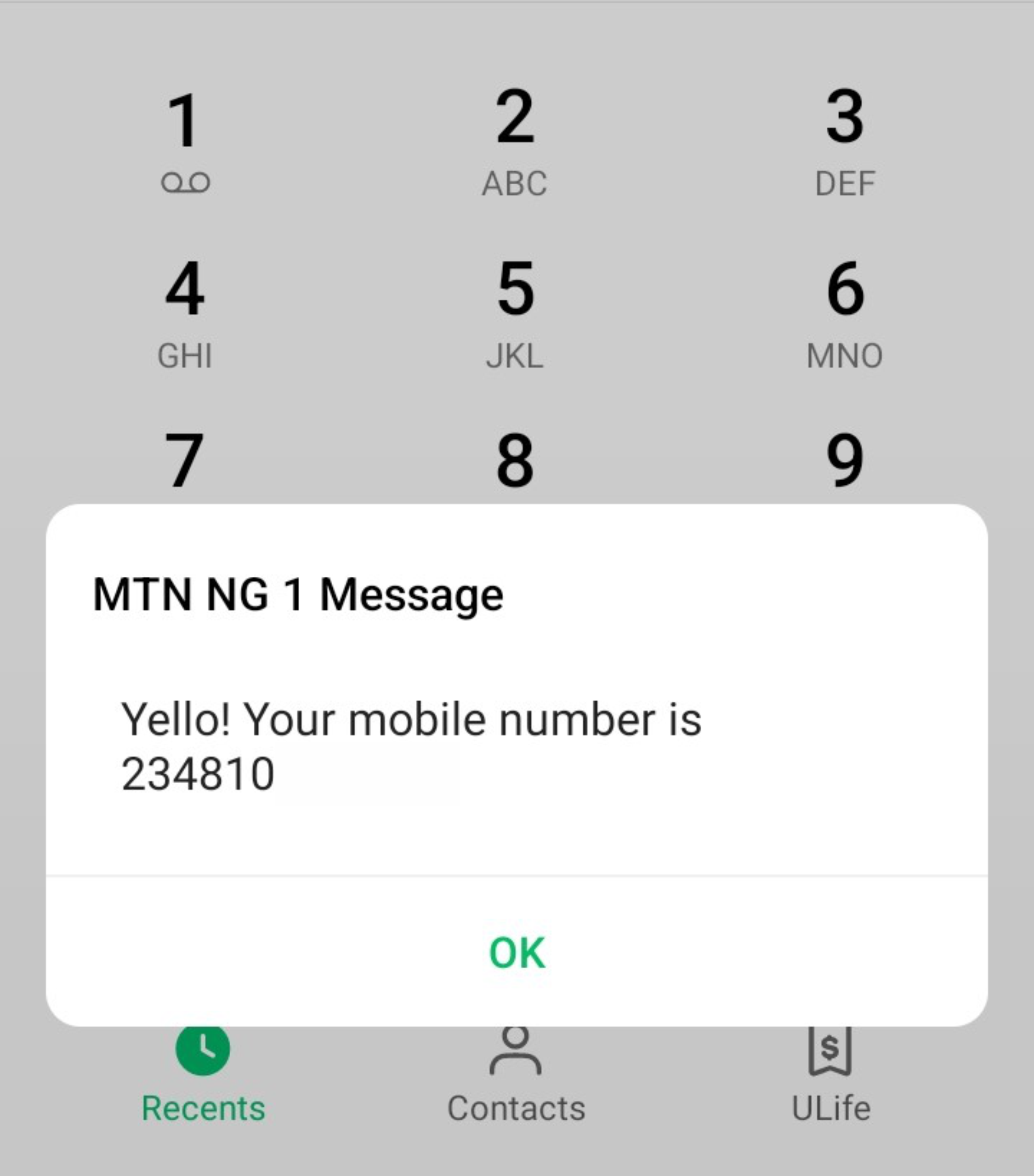
The easiest method we recommend is dialling *663#. It displays your MTN number in a pop-up message and also sends an SMS containing the number to your SIM.
In this guide, you will learn how to check your MTN number, why another commonly recommended code may fail, and how to use the myMTN NG app as an alternative.
1. Dial *663# to Check Your MTN Number
If you are searching for the code to check your MTN number in Nigeria, start with *663#.
Follow these simple steps:
-
Open the Phone app on your mobile device.
-
Dial *663# using your MTN SIM.
-
Press the call button.
-
Your MTN phone number should appear in a pop-up message.
-
Check your SMS inbox for a message containing your number.
This method provides two ways to retrieve your number: a pop-up notification and an SMS. If you have forgotten your number, save it in your contacts so you can easily access it later.
2. Why Is *123*1*1# Not Working?
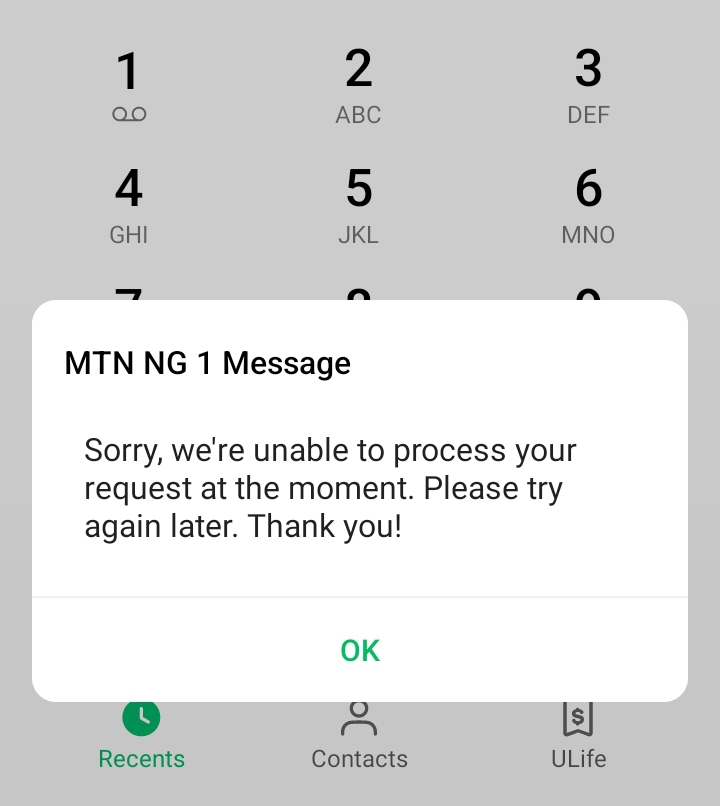
You may have seen websites recommending *123*1*1# as the code for checking an MTN number. However, during our test, the code returned the following error:
“Sorry, we're unable to process your request at the moment. Please try again later. Thank you!”
This means the code did not work during our test, so we recommend trying *663# instead.
3. Check Your Number Using the myMTN NG App
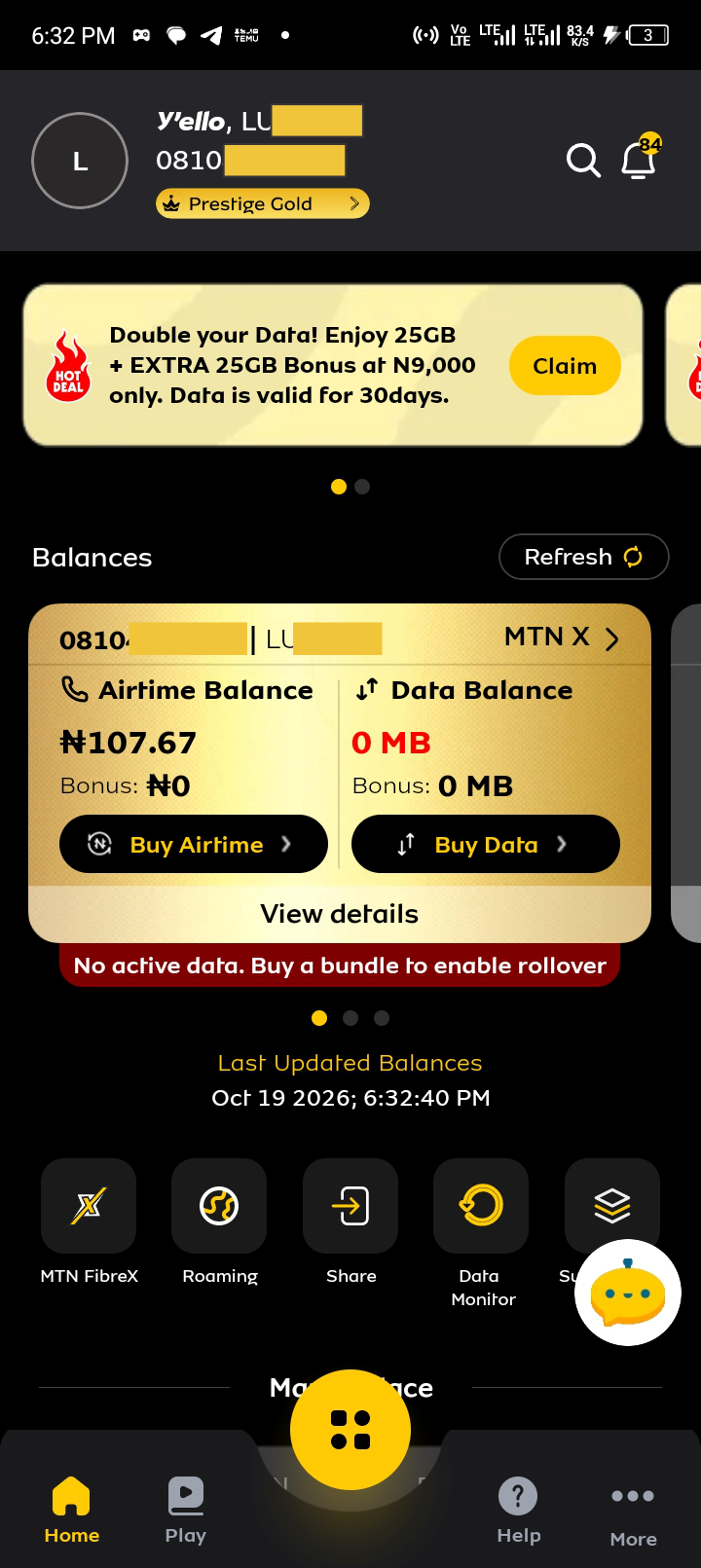
You can also use the myMTN NG app to view your phone number if you can access your account.
-
Open the myMTN NG app.
-
Sign in to your account.
-
Navigate to your profile or account details.
-
Look for your registered MTN phone number.
The app is particularly useful if you are already signed in. However, first-time users may need to provide their phone number or complete account verification before accessing their details.
Frequently Asked Questions
What is the code to check my MTN number?
Dial *663# on your MTN line. It displays your number in a pop-up message and also sends an SMS containing the number.
How can I know my MTN number without airtime?
Try *663#. It uses a USSD request and generally does not require airtime, although network availability and service conditions may vary.
Why is *123*1*1# not working on my MTN line?
The code returned an error during our test. The exact cause has not been confirmed. Try *663# as an alternative.
Can I check my MTN number using the myMTN NG app?
Yes, if you can sign in and access your account details. If you have forgotten your number and cannot sign in, try *663# first.
Conclusion
The simplest way to check your MTN number in Nigeria is to dial *663#. It displays your number on your screen and sends an SMS containing the number to your SIM.
Since *123*1*1# returned an error during our test, *663# is the recommended option based on our experience. You can also use the myMTN NG app if you already have access to your account.
Need affordable MTN data or airtime? Visit ExactSub to explore available bundles and recharge services.